View Configuration Options查看配置选项
The graphile CLI tool which can be used to view both
the available options, and also your resolved configuration.
使用 graphile CLI 工具,既可以查看所有可用的配置选项,也能查看最终解析合并后的完整配置。
Viewing the available options查看可用选项
Once you have a basic configuration file, you can use the graphile CLI to
find out what options are available to you:
准备好了基础配置文件后,就可以用 graphile CLI 来查看当前支持哪些配置选项:
graphile config options
The graphile CLI is a development aid only, and is not needed at runtime or
in production (or in development really, it’s just a handy little helper).
graphile CLI 只是一个开发辅助工具,无论在运行时还是生产环境中都不需要用到它(其实在日常开发中也非必需,只是个顺手的小帮手而已)。
Note that the options available will be influenced by the modules that you are using, so be sure to import any plugins and presets at the top of your config file.
注意,最终展示的可用选项会受你所使用模块的影响,因此请务必在配置文件顶部先导入所有需要的插件和 preset。
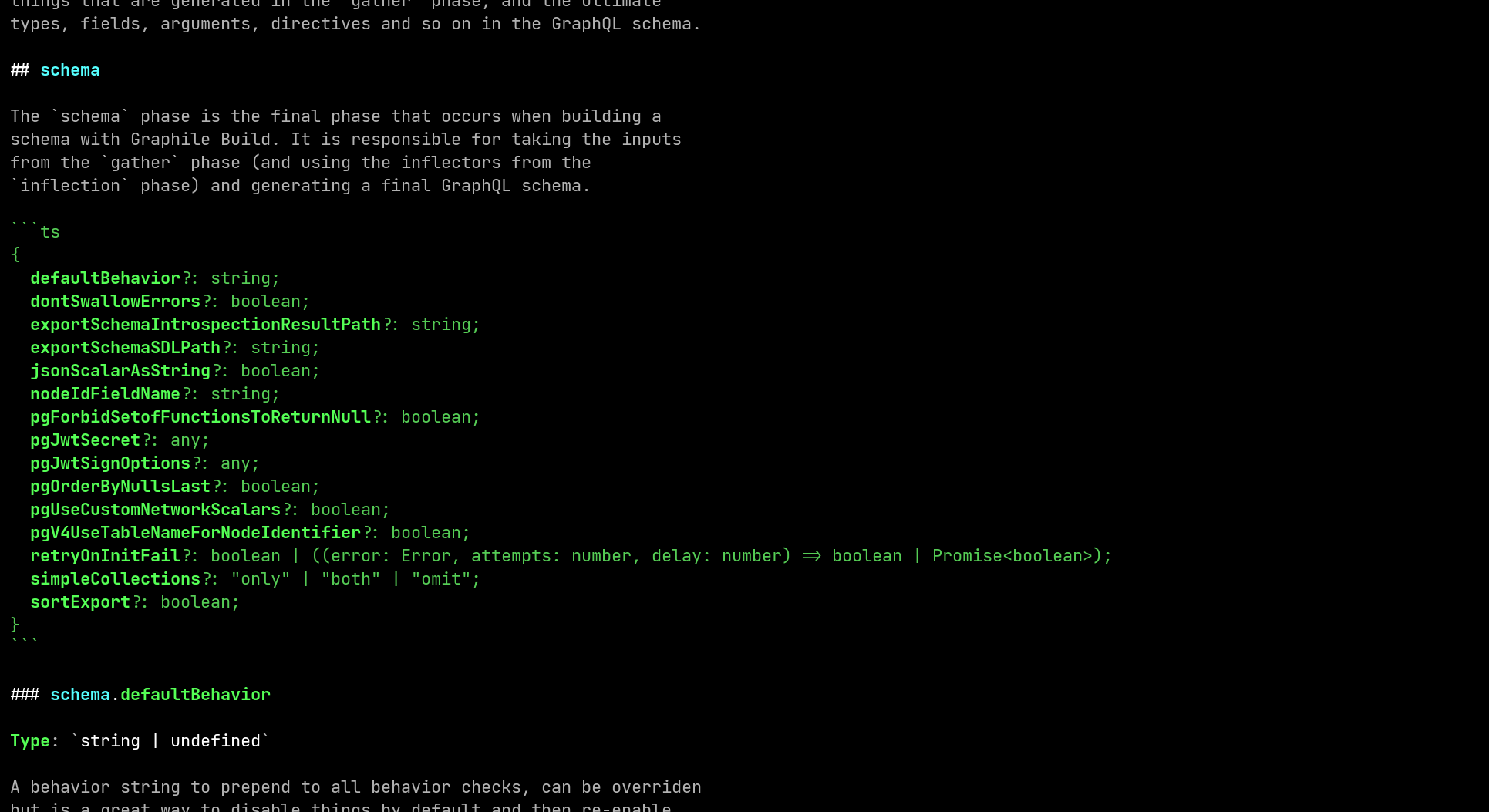
graphile config options showing the options available to be set inside the config file.执行 graphile config options 后输出的彩色 Markdown 局部截图,展示了配置文件中支持设置的各项配置。Viewing the resolved configuration查看解析后的配置
You can also use the graphile CLI to print out your resolved configuration
(once all the presets have been applied). This can help with debugging:
你还可以用 graphile CLI 打印出所有 preset 合并生效后的最终配置,这在排查问题时很有帮助:
graphile config print
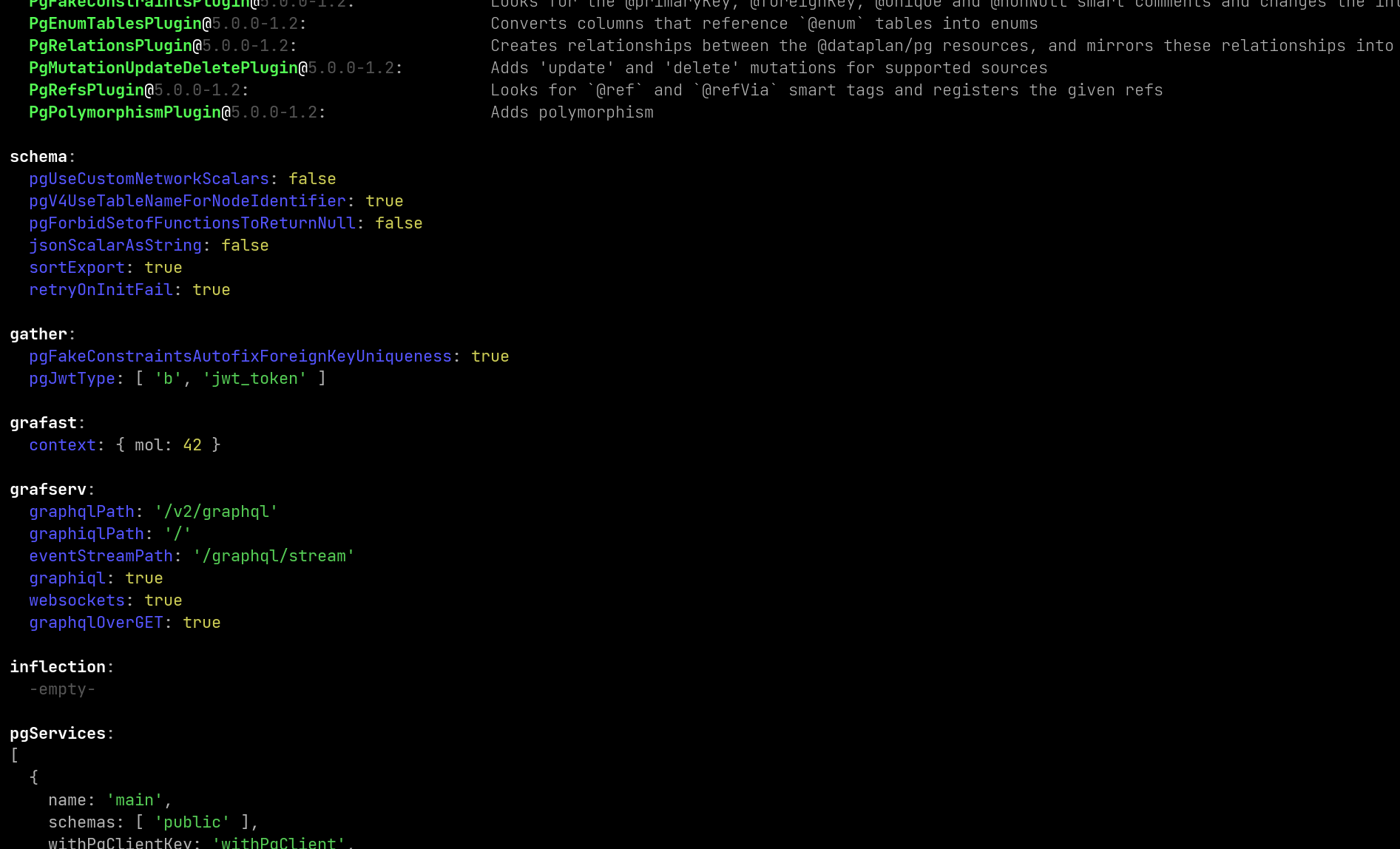
graphile config print showing the options that the local configuration file is using.执行 graphile config print 后的彩色输出局部截图,展示了本地配置文件当前实际生效的配置选项。